

-
 Try out the new Jake: AI Coding Assistant for LabVIEW!
Get answers to questions about LabVIEW and discuss your code.
WF WireQueue-MQTT by WireFlow - Toolkit for LabVIEW Download
LabVIEW API for MQTT, with or without TLS encryption.
 Discussion

| Version | 3.0.1.168 |
| Released | Apr 28, 2026 |
| Publisher | WireFlow |
| License | WireFlow SW |
| LabVIEW Version | LabVIEW>=20.0 |
| Operating System | Windows |
| Project links | Homepage Discussion |
Description
Please note that this package requires VIPM 2014 or later for installation and requires VIPM to be run with "administrator" rights. To do this, close LabVIEW and VIPM, then start VIPM by right-clicking and select "Run as administrator"
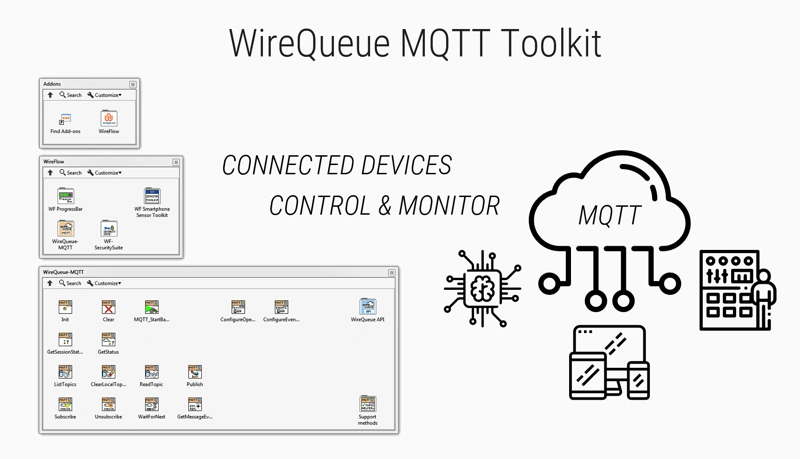
This is the driver for the WireFlow WireQueue MQTT product, a lightweight system to communicate between LabVIEW targets and other devices using MQTT with TLS support. It supports connection to any MQTT broker (MQTT 3.1.1).
To add specific topic handling, override methods in the MQTT_Overrides class.
Release Notes
* Changed code base to LabVIEW 2020
* Changed from OpenSSL to native LabVIEW TLS support
* Added "Connection ms timeout" to connection details cluster (allowed range 1000 to 6000)
* Removed support for WireQueueSSL.cfg to configure OpenSSL
* Added new method MQTT_ConfigureTLS
* Made method MQTT_ConfigureOpenSSL deprecated, and private (current code will break) --> replace with ConfigureTLS method
* Updated manual with new method info and new WireFlow address

 Post an Idea
 Post a Resource